HTML 部分。

<!DOCTYPE html>
<html lang="en">
<head>
<meta charset="UTF-8">
<meta name="viewport" content="width=device-width, initial-scale=1.0">
<title>登录注册页面</title>
<link rel="stylesheet" href="styles.css">
</head>
<body>
<div class="container">
<h2>登录</h2>
<form id="loginForm">
<input type="text" id="loginUsername" placeholder="用户名">
<input type="password" id="loginPassword" placeholder="密码">
<button type="submit">登录</button>
</form>
<h2>注册</h2>
<form id="registerForm">
<input type="text" id="registerUsername" placeholder="用户名">
<input type="password" id="registerPassword" placeholder="密码">
<input type="password" id="registerConfirmPassword" placeholder="确认密码">
<button type="submit">注册</button>
</form>
</div>
<script src=https://www.qq959.com/static/image/nopic320.png>CSS 部分(styles.css):
body {
font-family: Arial, sans-serif;
display: flex;
justify-content: center;
align-items: center;
height: 100vh;
background-color: #f5f5f5;
}
.container {
display: flex;
flex-direction: column;
align-items: center;
width: 400px;
padding: 20px;
background-color: #fff;
box-shadow: 0 0 10px rgba(0, 0, 0, 0.1);
}
h2 {
margin-top: 0;
}
form {
margin-top: 20px;
}JavaScript 部分(script.js):
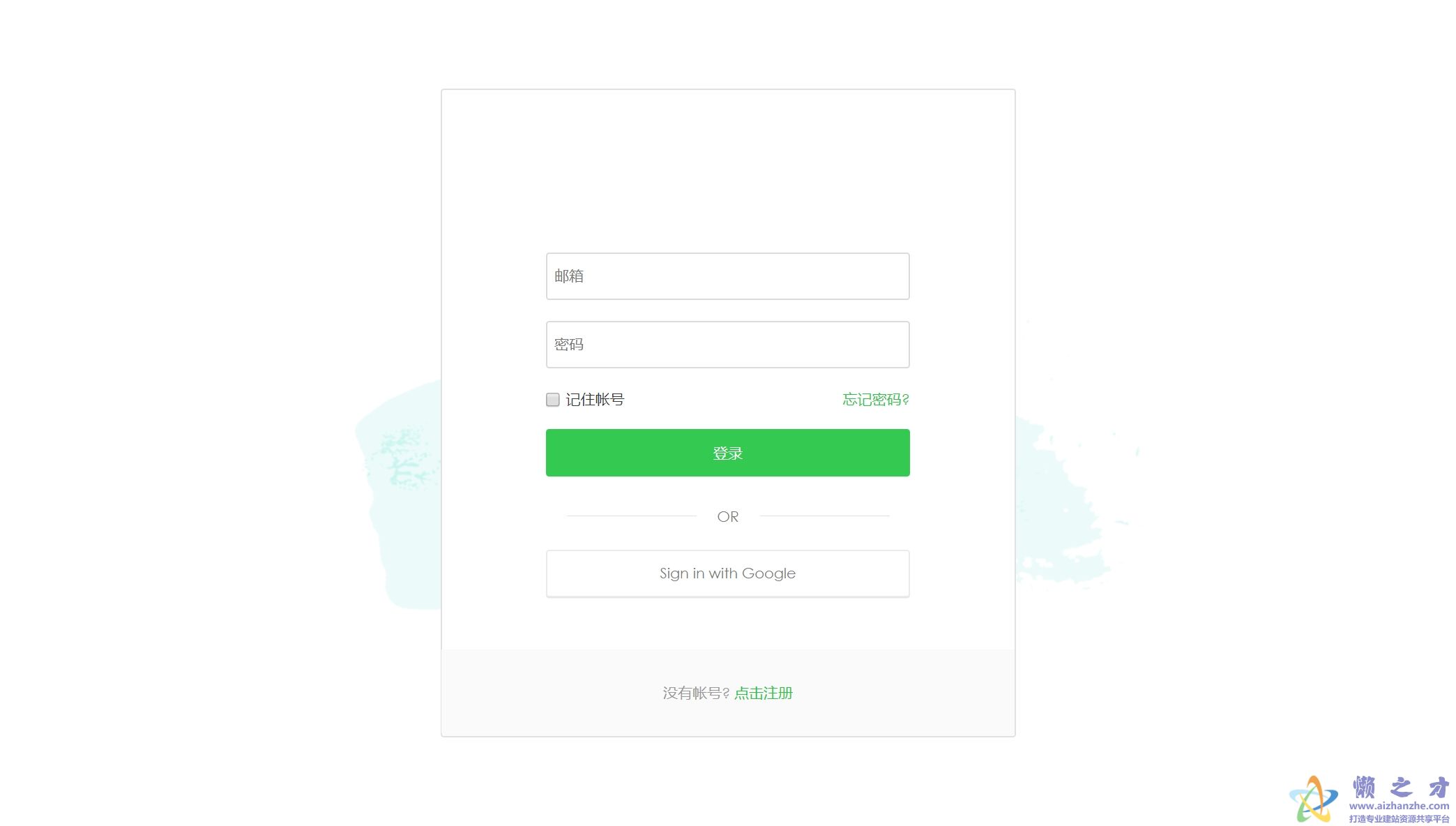
这部分可以根据你的需求进行编写,用于处理表单提交、验证等逻辑,由于篇幅原因,这里只提供一个简单的示例框架,你需要根据你的具体需求来实现相应的功能,示例如下:
document.addEventListener(’DOMContentLoaded’, function() {
const loginForm = document.getElementById(’loginForm’);
const registerForm = document.getElementById(’registerForm’);
// 添加事件监听来处理表单提交等逻辑... 示例略。 你可以根据需要添加验证、异步请求等功能。 示例略。 你可以根据需要添加更多功能。 示例略。});```这是一个非常基础的登录注册页面模板,你可以根据自己的需求进行修改和扩展,记得在实际开发中,还需要考虑安全性、用户体验和响应式设计等方面的问题。