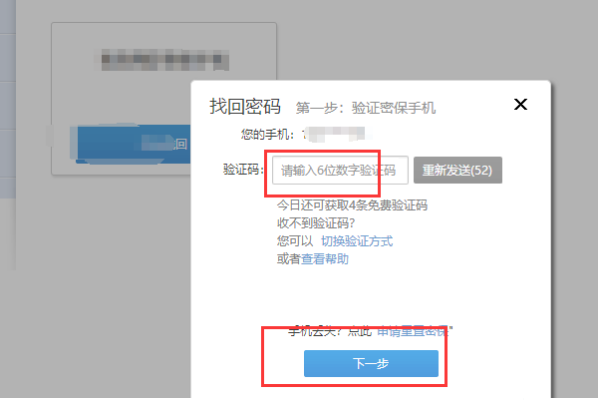
创建一个简单的Web前端登录注册页面是一个常见的任务。下面是一个基本的登录和注册页面的HTML和CSS示例。请注意,这只是一个基本的示例,实际的页面可能需要更复杂的设计和功能。

HTML部分:
<!DOCTYPE html>
<html lang="zh">
<head>
    <meta charset="UTF-8">
    <meta name="viewport" content="width=device-width, initial-scale=1.0">
    <title>登录注册页面</title>
    <link rel="stylesheet" href="styles.css"> <!-- 链接到CSS样式表 -->
</head>
<body>
    <div class="container"> <!-- 容器用于居中内容 -->
        <!-- 登录表单 -->
        <div class="login-form">
            <h2>登录</h2>
            <form id="loginForm">
                <input type="text" id="loginUsername" placeholder="用户名">
                <input type="password" id="loginPassword" placeholder="密码">
                <button type="submit">登录</button>
            </form>
        </div>
        <!-- 注册表单 -->
        <div class="register-form">
            <h2>注册</h2>
            <form id="registerForm">
                <input type="text" id="registerUsername" placeholder="用户名">
                <input type="password" id="registerPassword" placeholder="密码">
                <input type="password" id="registerConfirmPassword" placeholder="确认密码">
                <button type="submit">注册</button>
            </form>
        </div>
    </div>
</body>
</html>
CSS部分(styles.css):

body {
    display: flex;
    justify-content: center;
    align-items: center;
    height: 100vh;
    background-color: #f5f5f5;
}
.container {
    width: 40%;
    padding: 20px;
}
.login-form, .register-form {
    display: none;
}在这个示例中,我们创建了一个简单的登录和注册页面,其中包含一个容器来居中内容,登录和注册表单默认是隐藏的,你可以根据需要显示它们,这只是一个基本的示例,实际的页面可能需要更复杂的设计和功能,例如验证用户输入、处理表单提交等,你可能还需要使用JavaScript或后端语言来处理这些功能。