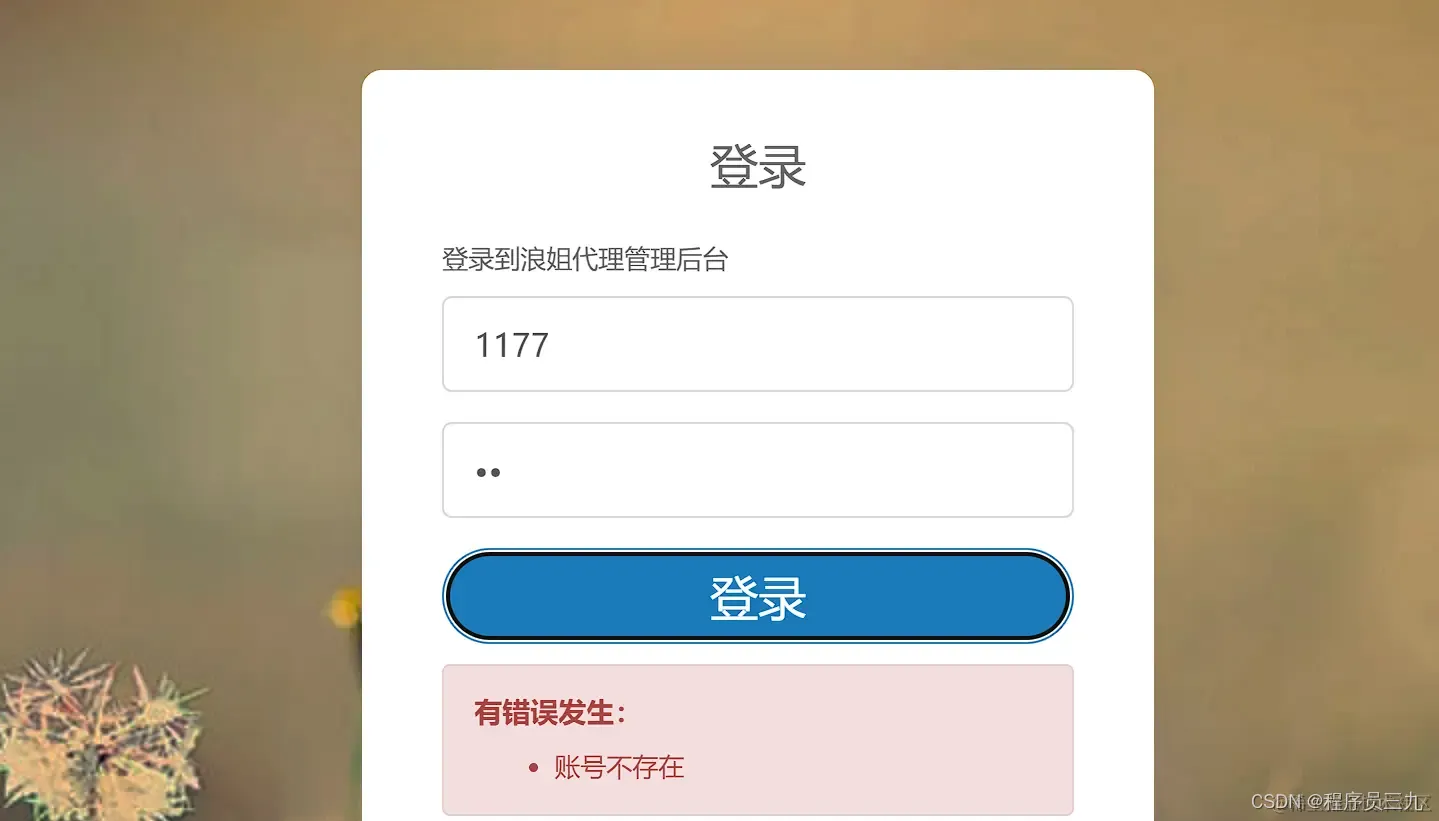
前端登录注册页面的模板源码可以根据不同的设计和功能需求进行编写。下面是一个简单的登录注册页面的模板源码示例,使用HTML和CSS编写。
<!DOCTYPE html>
<html>
<head>
  <title>登录注册页面</title>
  <style>

    body {
      font-family: Arial, sans-serif;
      background-color: #f2f2f2;
      padding: 20px;
    }

    .container {
      max-width: 400px;
      margin: 0 auto;
      background-color: #fff;
      padding: 20px;
      border-radius: 5px;
      box-shadow: 0 0 10px rgba(0, 0, 0, 0.1);
    }

    h2 {
      text-align: center;
      margin-bottom: 20px;
    }

    label {
      display: block;
      margin-bottom: 10px;
    }

    input[type="text"], input[type="password"] {
      width: 100%;
      padding: 10px;
      border-radius: 4px;
      border: 1px solid #ccc;
    }

    input[type="submit"] {
      width: 100%;
      padding: 10px;
      background-color: #4CAF50;
      color: #fff;
      border: none;
      border-radius: 4px;
      cursor: pointer;
    }

    input[type="submit"]:hover {
      background-color: #45a049;
    }
  </style>
</head>
<body>
  <div class="container">
    <h2>登录</h2>
    <form>
      <label for="username">用户名:</label>
      <input type="text" id="username" name="username" required><br><br>
      <label for="password">密码:</label>
      <input type="password" id="password" name="password" required><br><br>
      <input type="submit" value="登录">
    </form>
    <h2>注册</h2>
    <form>
      <label for="registerUsername">用户名:</label>
      <input type="text" id="registerUsername" name="registerUsername" required><br><br>
      <label for="registerPassword">密码:</label>
      <input type="password" id="registerPassword" name="registerPassword" required><br><br>
      <input type="submit" value="注册">
    </form>
  </div>
</body>
</html>
这只是一个简单的示例,实际的登录注册页面可能会包含更多的功能和样式,你可以根据自己的需求进行修改和扩展,还需要后端服务器来处理登录注册的逻辑和数据存储。